Menu control
Create breakfast, lunch, dinner, drinks, specials, or service sections. Sort items, edit prices, and hide unavailable choices.
Slinki gives hospitality businesses a fast, beautiful website with editable menus, hours, reviews, maps, photography, and ordering links—all manageable from one simple account.
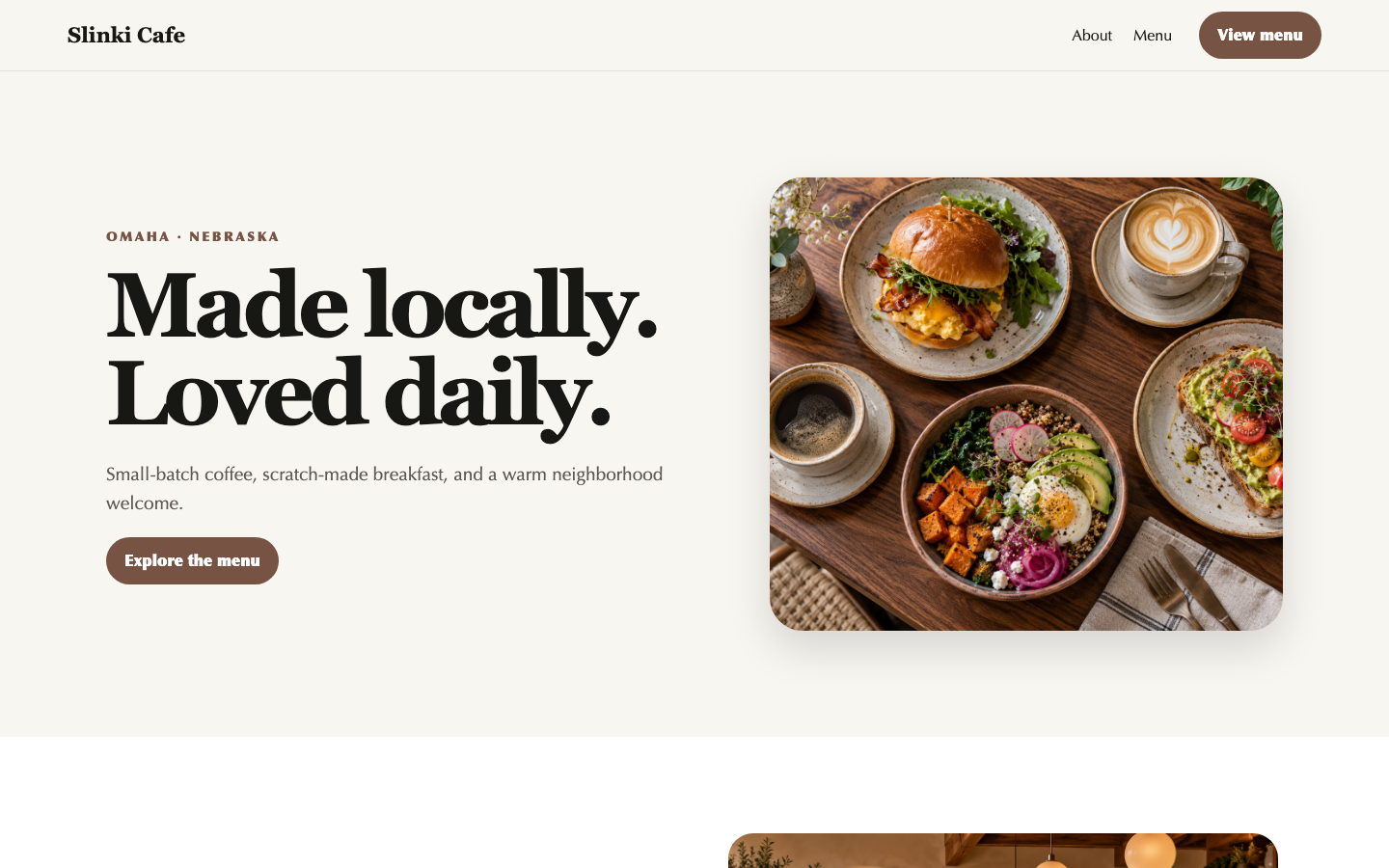
Most guests are checking three things: what you serve, when you are open, and whether the experience feels worth the trip. Slinki brings those answers together without burying them under a complicated theme or a stale PDF.
The system adapts to the business category while keeping everyday editing simple.
Create breakfast, lunch, dinner, drinks, specials, or service sections. Sort items, edit prices, and hide unavailable choices.
Connect location details, Google Maps, Business Profile reviews, social profiles, and clear structured information.
Use large photography, custom hero imagery, galleries, brand colors, typography, and a transparent navigation logo.
Link to the ordering, delivery, reservation, or booking service you already use. Nothing appears until you enable it.
Receive protected form submissions without exposing an email address. Honeypot and reCAPTCHA controls help reduce bot traffic.
Preview changes on desktop and mobile, publish when ready, and restore one of the last 50 revisions if needed.
Live design systemChoose a strong visual direction, then change colors, type, imagery, crop, spacing, sections, navigation, and calls to action. Preview mobile and desktop as you work.
No proposal maze or mystery handoff. Pricing, terms, onboarding, editing, publishing, and support stay connected.
Begin with a design made to showcase food, space, atmosphere, and essential visit information.
Build the menu, hours, map, reviews, gallery, contact path, and outside ordering link.
Check the mobile experience, connect a domain, and publish with hosting, SSL, discovery files, and support included.
Titles, descriptions, semantic structure, responsive layouts, analytics support, sitemap.xml, and robots.txt.
Direct answers about services, products, hours, locations, policies, and common customer questions.
Readable business facts, structured content, and llms.txt for AI-assisted discovery and citation workflows.
Yes. Authorized owners and managers can add, edit, categorize, sort, and remove menu items from the Slinki editor.
Slinki does not process restaurant orders directly. It can link to an existing ordering, delivery, reservation, or booking provider, and the option remains hidden until configured.
Google Business Profile reviews can be displayed when the business connection and Place ID are configured.
Yes. The same system supports changing locations, simplified hours, menus, social links, inquiry forms, and prominent calls to action.
Review current setup pricing, monthly or annual billing, package features, term details, and cancellation requirements before checkout.